👤 Settings
The gear icon next to the account name opens the account settings page.
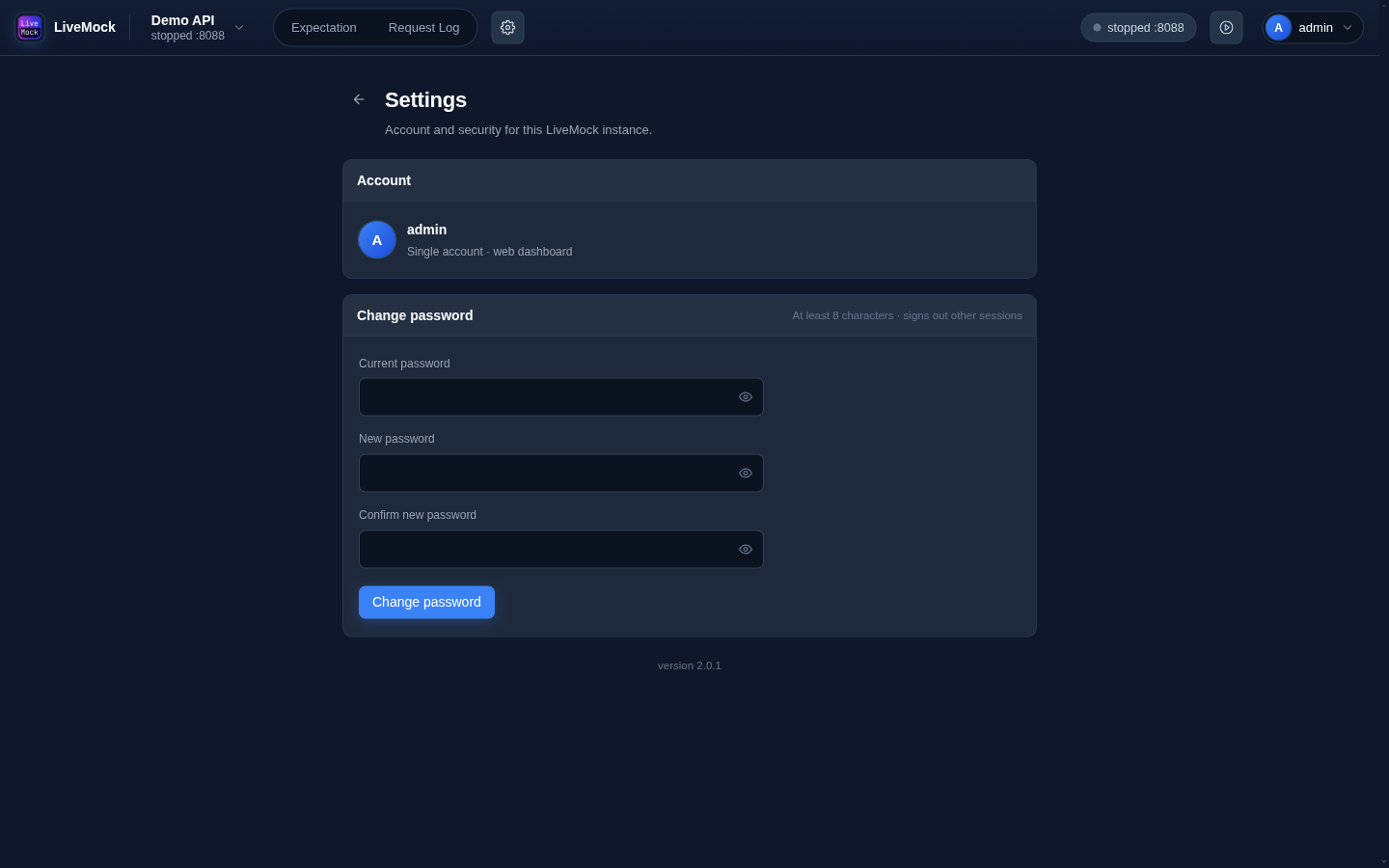
Account
The page shows the account that owns this instance. LiveMock supports exactly one account - see Authentication.
Change password
Enter the current password, then the new one twice. The new password must be at least 8 characters. Changing the password signs out every other session: only the device you change it on stays signed in.
API tokens
The API tokens card creates tokens for the MCP server. Give each client its own token and choose an expiry, or leave it as Never.
- The token is shown once; LiveMock stores only a hash.
- A token has full access to the data plane: projects, expectations, groups, request logs and imports.
- It cannot create or revoke other tokens or change the password. Those actions require a browser session.
- Revoke a token from the same card when a client is retired.
Changing the account password or running livemock reset-admin revokes every token.
Version
The version of the running server is shown at the bottom of the page. It is useful when reporting a problem or when checking that a deployment picked up a new build.
Project settings
Project settings live somewhere else: click the gear in the app bar (next to the project switcher) to edit the current project. See Projects.