🗂️ Expectation groups and match order
Expectations live either in a group or directly in the Ungrouped section at the bottom of the list. Groups are more than folders: they take part in deciding which expectation answers a request, and they can be switched off as a whole.
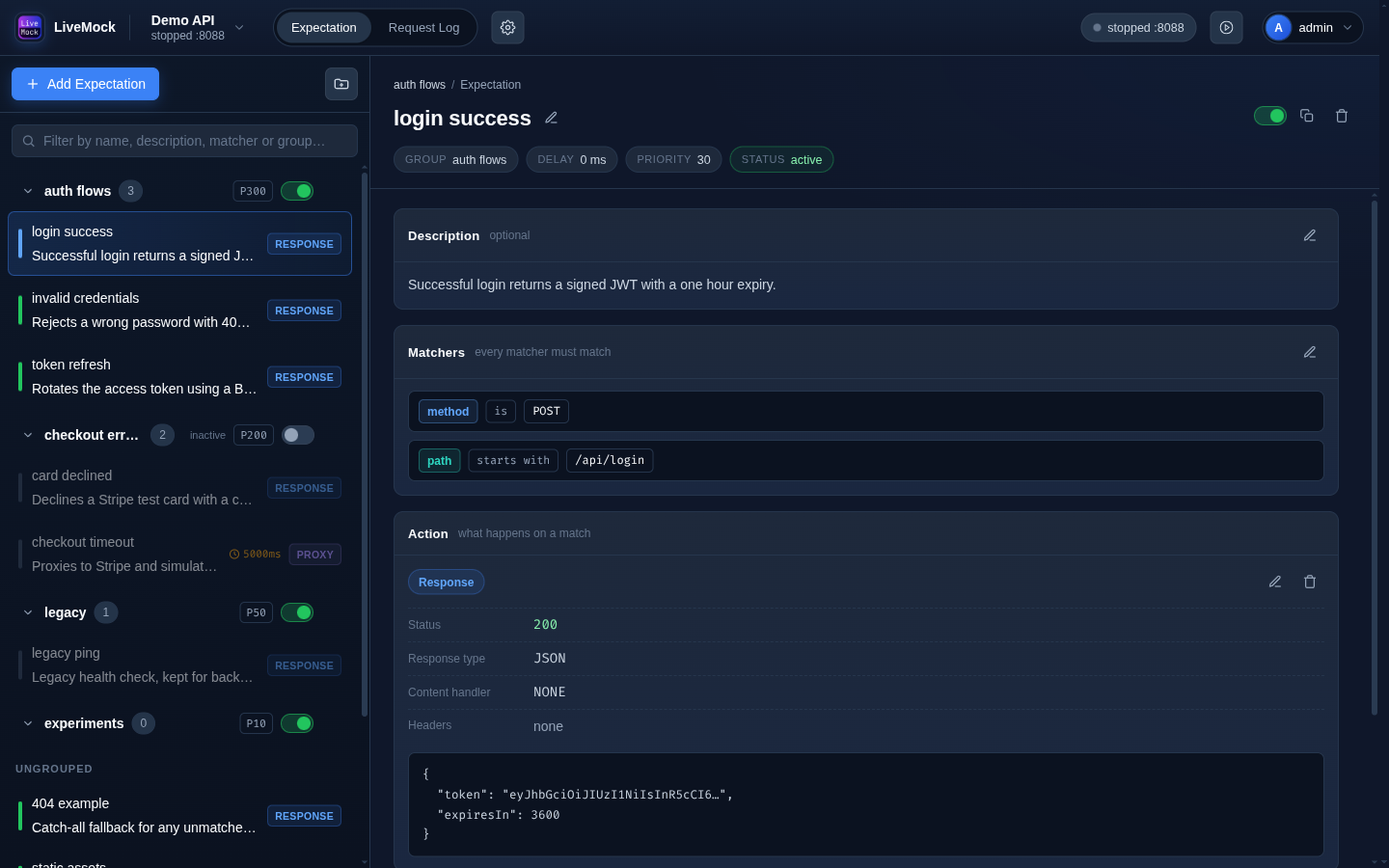
Creating a group
Click the group button next to Add Expectation. A group has a name, a priority and an active flag. New expectations can be created directly into a group by choosing it in the Add expectation dialog; existing ones can be moved with the timing editor.
Priority and active flag
| Field | Effect |
|---|---|
Priority (P badge) | Higher priority wins. |
| Active switch | An inactive group is skipped entirely, as if its expectations did not exist. |
Both are shown in the group header. The same two fields exist on every expectation itself (in Timing & state).
The match order
When a request arrives, LiveMock walks the expectations in this order and takes the first one whose matchers all match:
- Groups and ungrouped expectations are ranked together. A group counts as one block; every ungrouped expectation
is a block of its own. Blocks are ordered by
(priority, creation time), both descending - a higher priority first, and on a tie the more recently created block wins. - Inside a group, its members are ordered the same way: by
(priority, creation time), descending. - The first active expectation, with an action, whose matchers all succeed answers the request. An expectation without an action is skipped. The comparison never comes back to a later block.
In other words: a block with higher priority is compared first, and all of its expectations are considered before the next block, even if the next block contains an expectation with a higher individual priority.
- Put specific, high-priority rules (a single failing endpoint, an error case) in a group with a high priority.
- Keep broad catch-alls -
path starts with /returning404- ungrouped with priority0, so they only apply when nothing more specific matched.
Deleting a group
Deleting a group also deletes the expectations inside it (the request log is kept, like when deleting a single expectation). There is no undo, so check the group contents before deleting it.
See also
- Expectations - the fields of a single expectation.
- Matchers - what "matches" means.