🔐 Authentication
LiveMock is protected by a single account. There are no teams and no per-project permissions - one account owns the instance.
First run
On the first visit the dashboard shows a registration form. Choose a username and a password (at least 8 characters) and you are signed in immediately.
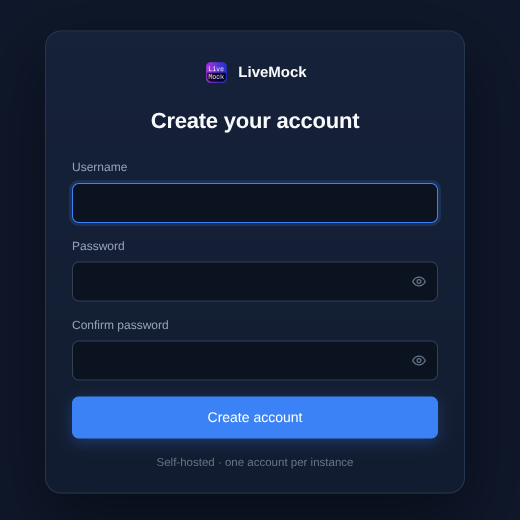
After the account exists, the registration endpoint is closed permanently. Every later visit shows the sign-in form:
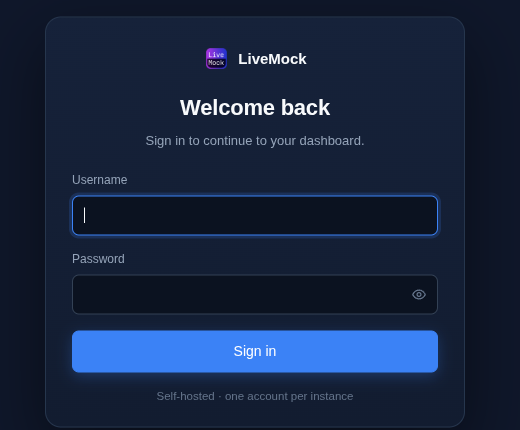
The first caller to register owns the account - there is no setup token by design. If you deploy LiveMock on a public server, register immediately after the first start, or start it on a private address first.
What is protected
- The dashboard, every
/apiendpoint and the Socket.IO connection require a signed-in session. - The mock ports of your projects (for example
http://localhost:8088) stay public, so mocked APIs and test clients keep working without credentials.
Sessions
- The session is kept in an httpOnly cookie for 7 days of activity.
- Sessions survive a backend restart, so updating the server does not sign you out.
- Signing out ends only the current session; other devices stay signed in.
- Changing the password signs out all other sessions (see Settings).
Failed sign-ins
Repeated failed sign-ins from the same IP back off exponentially, capped at 30 minutes. The account itself is never
locked, so a wrong password cannot lock you out permanently. Behind a reverse proxy set LIVEMOCK_TRUST_PROXY so the
throttle sees the real client IP - see Configuration.
Recovering a lost password
There is no password reset e-mail. The account can only be reset from the command line, and the backend must be stopped first (see the caution below). If you run LiveMock from npm, use:
npx livemock reset-admin <new-username>
Replace npx with livemock if you installed the package globally. From a source checkout, use:
yarn workspace livemock reset-admin <new-username>
You are prompted for the new password twice (hidden, once for the confirmation). The command resets both the username and the password and invalidates all sessions. Start the backend again and sign in.
The backend must be stopped first: the database is written from memory while the server runs, so a reset made against a running server would be overwritten.