Columns
The list next to the details can show more or fewer fields per request. Open the Columns menu at the right of the filter bar.
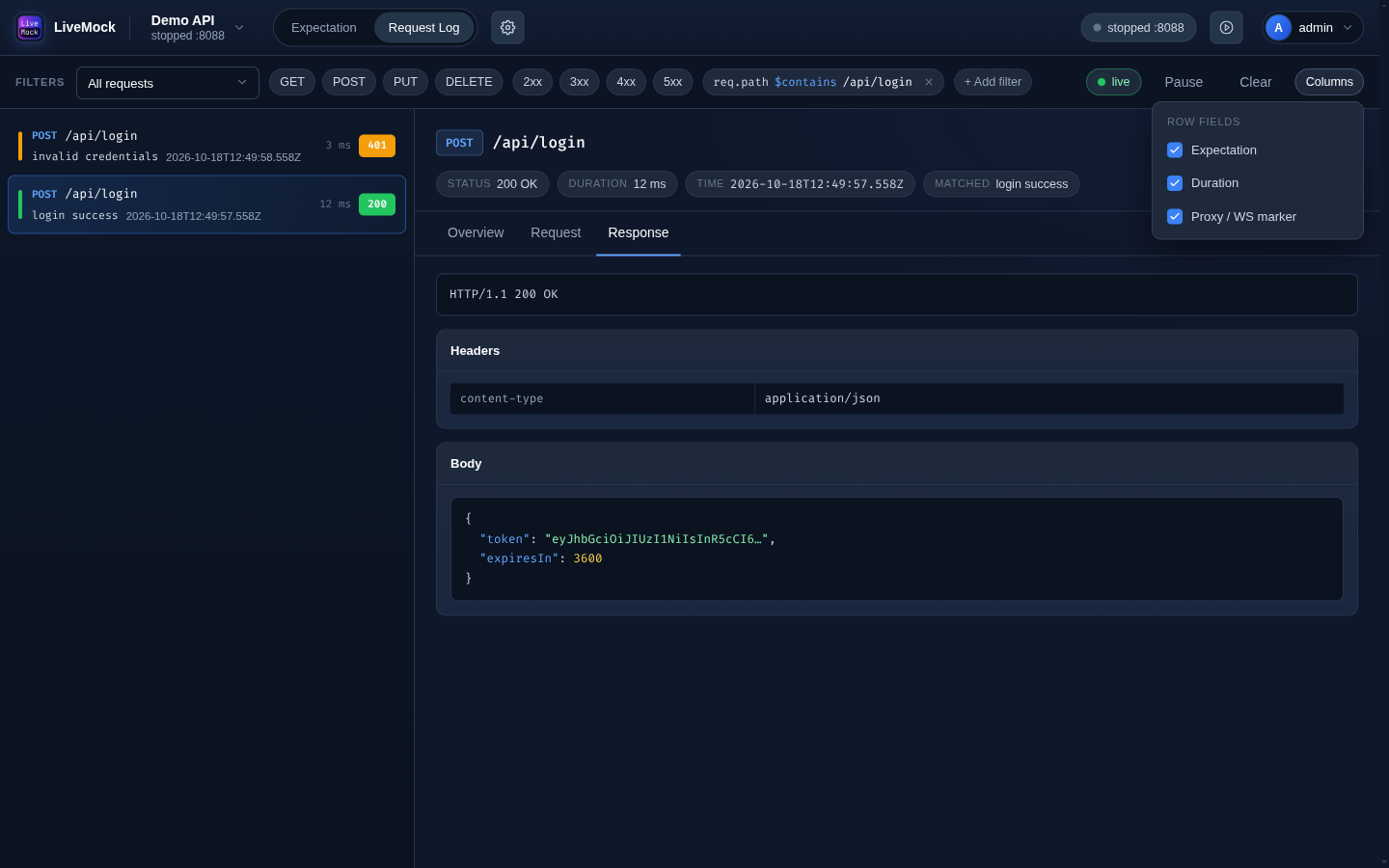
Row fields
Three extra fields can be switched on for every row:
| Field | Shows |
|---|---|
| Expectation | The name of the expectation that matched. |
| Duration | How long the response took, in milliseconds. |
| Proxy / WS marker | The PROXY / WS badge. |
The method, path, time and status are always shown. The choice is remembered for the project.
Showing and hiding
Every row field can be switched on and off from the same menu, so the list can be tuned to exactly what you need - for example only the matched expectation and the duration while chasing a timeout.
Earlier versions of LiveMock let you define additional columns with an arbitrary JSON path and a text/JSON display type. The current dashboard shows the three row fields above; the request log itself still records everything, and the detail pane shows the full request and response, so nothing is lost when a field is not a column.
See also
- Filters - narrow the list down with JSON paths, which is the way to inspect any field of the log.